
Who Was When
Free · On the ServiceM8 Add-on StoreFull visit history for any ServiceM8 client site at a glance.
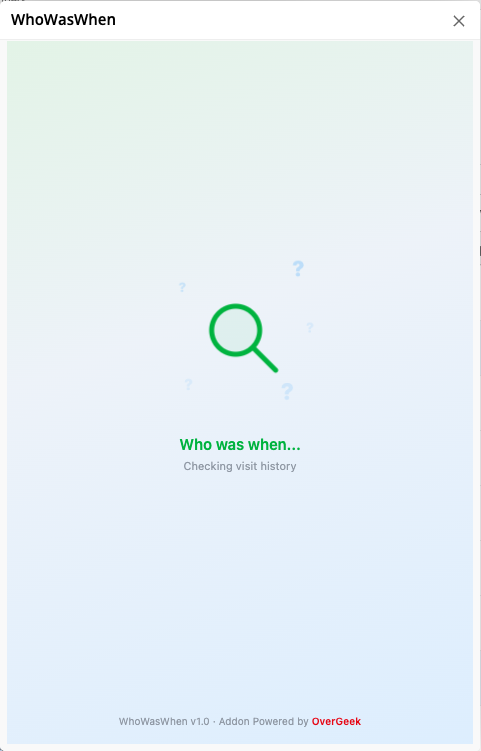
WhoWasWhen gives you instant visibility into the complete visit history for any client site in ServiceM8. Open it from any job card to see a visual timeline showing upcoming scheduled visits, past visits over the last 12 months, and live on-site activity with real-time duration tracking. Built for field service teams who need to quickly answer: who's been to this site, who's there now, and who's going next? Works on desktop and the ServiceM8 mobile app.
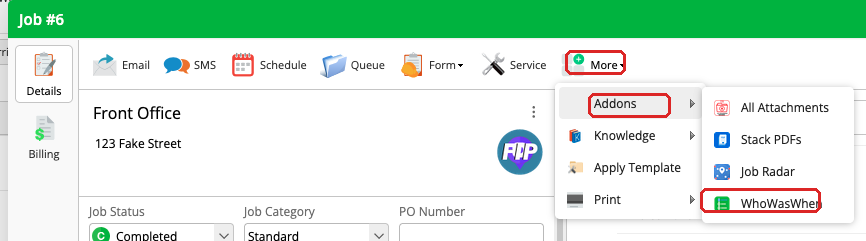
Opens from Any Job Card
Open any job in ServiceM8, click More in the toolbar, then hover over Add-ons and pick Who Was When. WhoWasWhen opens with the full visit history for that site already loaded.
- Works from any job on a site
- No setup required
- Free for all ServiceM8 users
Visual Visit Timeline
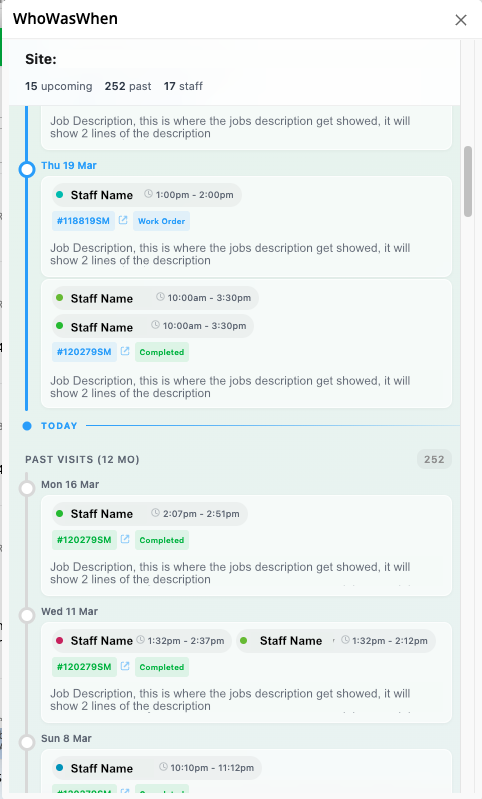
See every visit over the last 12 months laid out on a clean timeline. Each entry shows the staff member, time, job number, status, and description — with multiple staff on the same day grouped together.
- 12 months of visit history at a glance
- Staff name, time, status, and job description
- Multiple staff on the same day grouped together
- Click any job number to copy or open it directly
Live Activity & Upcoming Visits
See who's currently on-site with real-time duration tracking, plus all upcoming scheduled visits. Your team always knows what's happening at a site and what's coming up next.
- Live on-site indicator with real-time duration
- Upcoming visits with date, time, and assigned staff
- Open from any job card — no setup required
- Clean, fast interface that loads instantly