
PinDrop
Free in Beta · $14.99/mo on launchSee every ServiceM8 asset on a live, interactive map. Drag, edit, overlay floor plans.
PinDrop turns your ServiceM8 asset register into a live map. Pins are colour-coded by asset type, status icons show pass/fail at a glance, and floor plans drop right on top of satellite imagery. Search any field, filter on the fly, drag pins to fix wrong locations, and edit asset details inline. Made for fire compliance, alarm monitoring, AV install, property management, and anyone managing hundreds of tagged assets across many sites.
See It in Action
A quick walkthrough showing how PinDrop plots your assets, lets you toggle between map/satellite/3D, edit on the fly, and drop floor plans straight onto the satellite view.
- Live map view of every plotted asset
- Streets, satellite, or 3D building views
- Inline edit and drag-to-relocate
- Branded A3 PDF export with legend and compass
Asset-First, Not Job-First
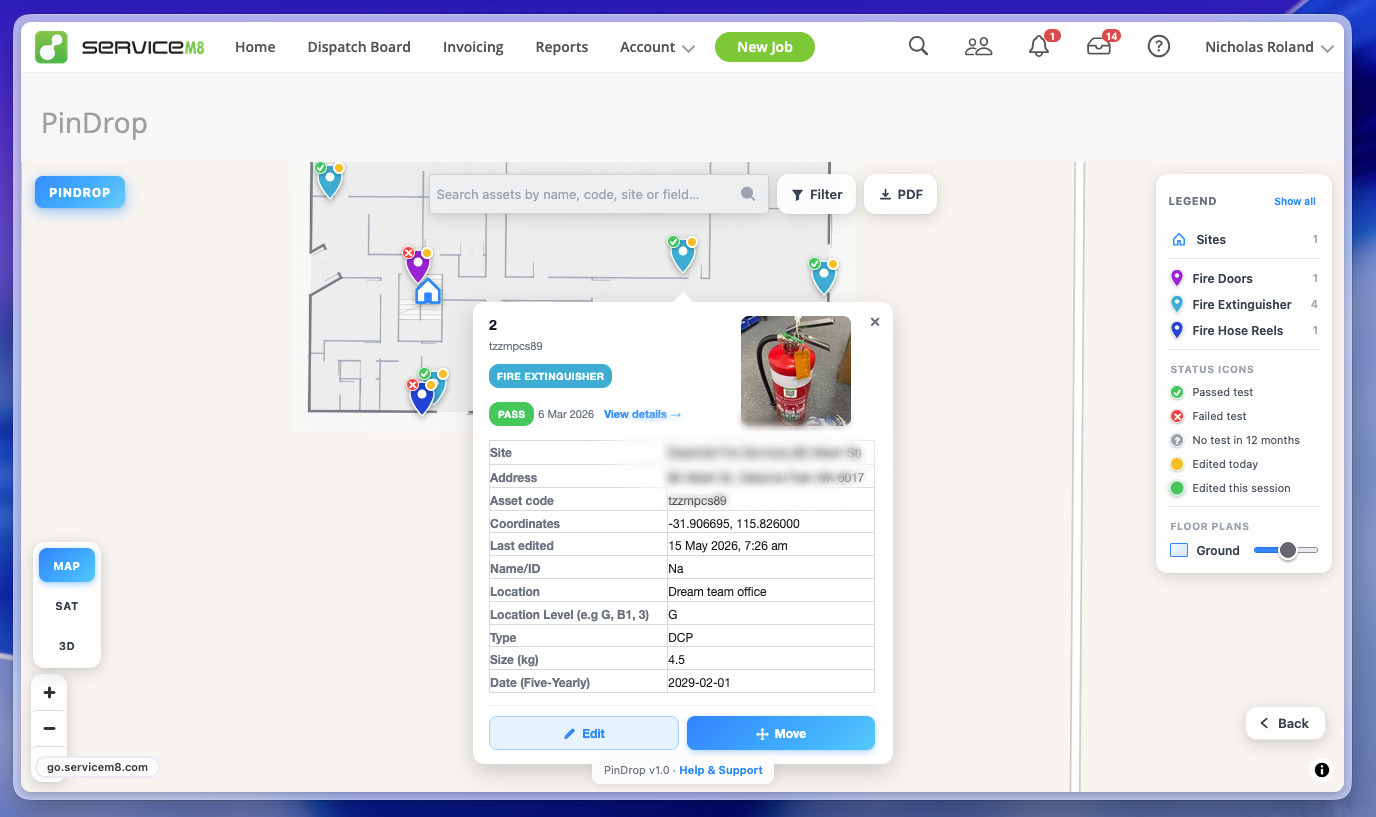
ServiceM8's native map shows jobs. PinDrop shows assets. Every pin carries the asset's photo, status, custom fields, and test history. Click for the full picture without leaving the map.
- Colour-coded pins per asset type
- Pass / fail / no-test-in-12-months status icons
- Live asset thumbnail from ServiceM8
- Test history with photos and linked jobs
- Stack picker when pins overlap

Floor Plans Over Satellite
Upload a PDF or image floor plan, drag it into place over the satellite view, then lock it down. Your indoor asset positions sit exactly where they should — every time, for everyone on the team.
- PDF or image floor plan upload
- Drag, rotate, scale, lock to geographic coordinates
- Per-level toggle for multi-storey sites
- Plans are stored in ServiceM8 — no external database
- Floor plans automatically appear in OG Portal so your clients see assets in context
Search, Filter, Done
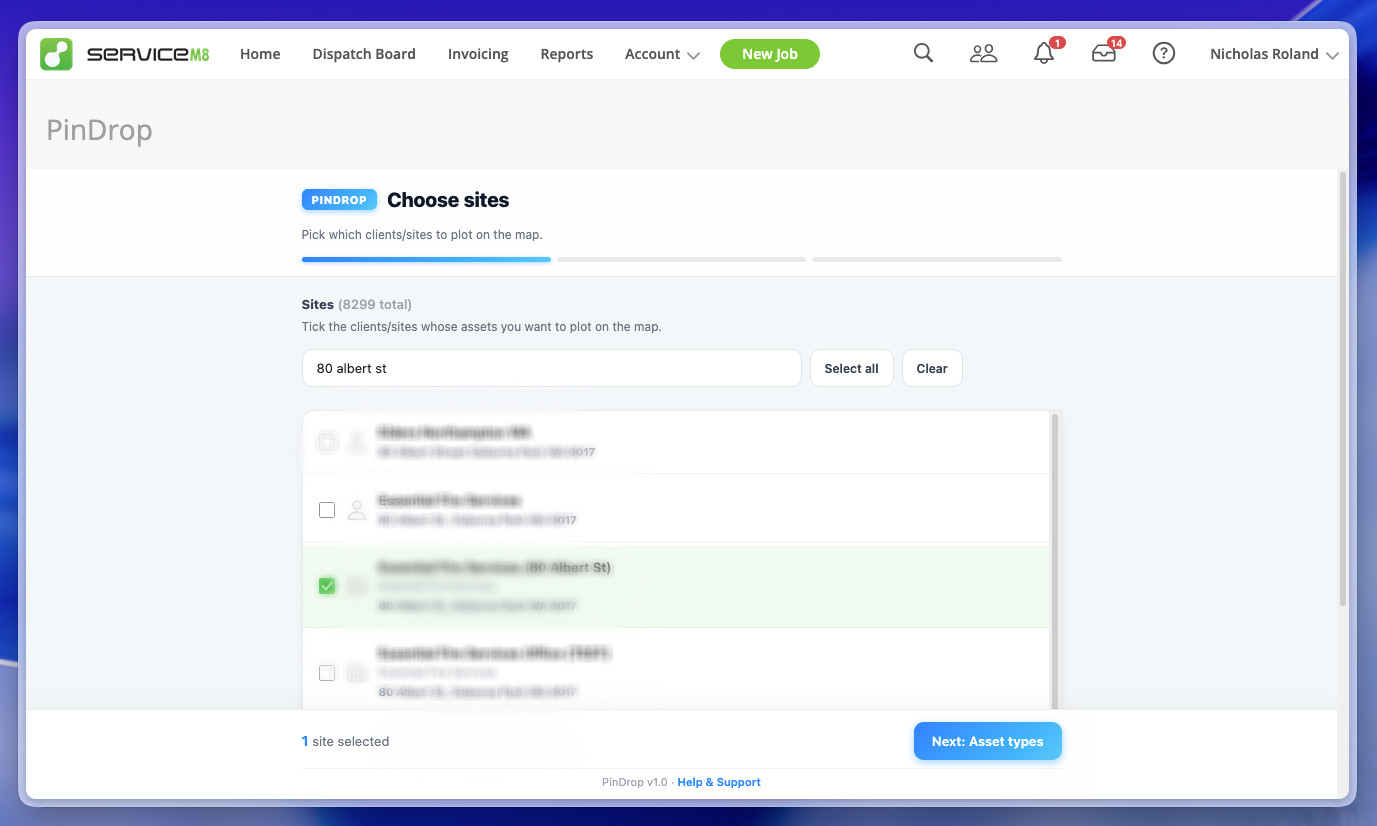
Hundreds of assets is no problem. Search across name, code, site, or any custom field. Filter by any field with checkboxes or substring matching. Hide what you don't need, focus on what you do.
- Full-text search across every field
- Multi-field filters with live updates
- Choose which sites and asset types to load
- Legend with one-click status filtering