
Ditto
Free · Manual InstallRepeat a job’s booking across days or weeks in seconds — pick the days, preview, and Ditto adds them all to the schedule. Installed directly via Over Geek — not on the ServiceM8 Add-on Store, free to use and will stay that way.
Ditto duplicates a job’s booking across as many days as you need — without re-entering anything. Open it from any job, pick the booking you want to repeat, choose a date range and which weekdays to include, and Ditto copies it across — same staff, same time of day, same duration. Preview every copy before it’s created, untick any you don’t want, and add them all to the schedule in one go.
See It in Action
A quick walkthrough showing how Ditto opens from a job, picks a booking, chooses a date range and weekdays, previews every copy and drops the whole run onto the ServiceM8 schedule.
- Opens straight from any job as a modal — no separate app
- Three-step wizard: Booking → Repeat → Preview
- Quick presets for weekdays, weekends or all 7 days
- Bookings land on the ServiceM8 diary in one pass
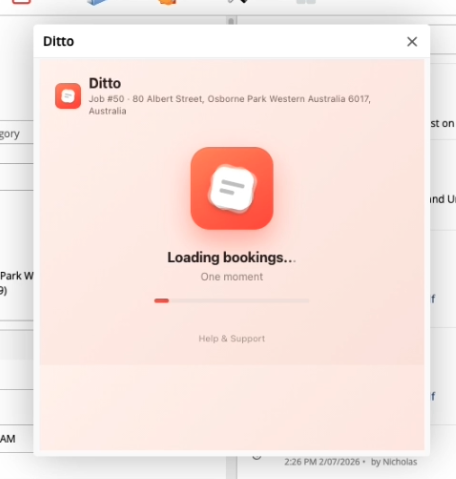
Opens Right from the Job Card
Ditto lives inside ServiceM8 — no separate app, no logging into somewhere else. Open any job, click the Ditto action, and it loads that job’s existing bookings so you can pick which one to repeat.
- Launches straight from the job’s Add-ons / actions menu
- Pulls every existing booking on the job in one call
- Job number and site address shown up top so you know exactly what you’re copying
- Three simple steps — Booking → Repeat → Preview — then done
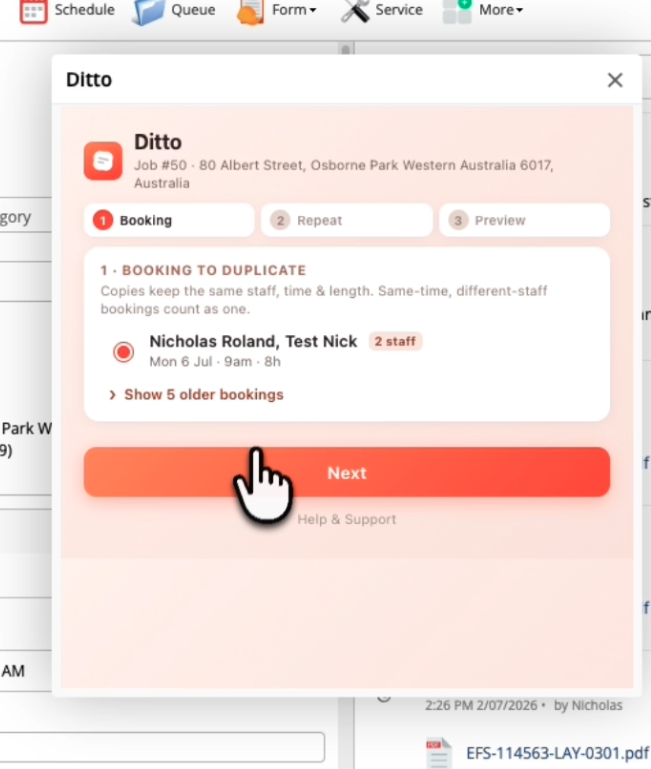
Step 1 — Pick the Booking to Repeat
Ditto shows the job’s bookings sorted by date. Pick the one you want to duplicate — every copy will keep the same staff, start time and duration. Old bookings from before yesterday are tucked away behind a “Show older bookings” link so the list stays focused.
- One booking selected at a time — clear and unambiguous
- Same-time bookings across multiple staff show as a single row (e.g. Nicholas, Test · 2 staff) and copy together
- Recent bookings up top; older ones hidden by default
- Each row shows date, start time and length so you’re picking the right one
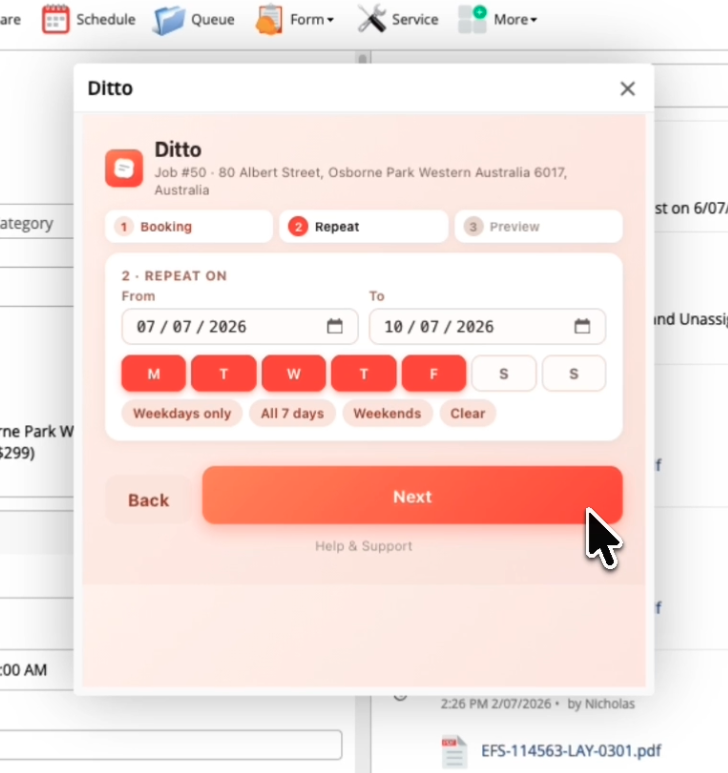
Step 2 — Set the Range & Weekdays
Set the From and To dates, then tick which weekdays to include. Ditto ships with quick presets so you’re not clicking seven checkboxes by hand.
- Date pickers respect your device’s local format (DD/MM in AU/UK, MM/DD elsewhere)
- Individual weekday toggles — M T W T F S S
- Presets: Weekdays only (Mon–Fri) · All 7 days · Weekends · Clear
- Next stays greyed with an inline hint if the dates or days aren’t valid yet
Step 3 — Preview Every Copy Before You Commit
Ditto shows exactly what it’s about to create, grouped by day. Each copy keeps the original’s staff, start time and length. Untick any you don’t want, then hit Create.
- Full list of every booking that will be added, grouped by day
- Untick individual copies you don’t want — nothing is set in stone
- Copies that already exist on the job are skipped automatically — safe to re-run
- The booking’s own day is never re-copied to itself — no accidental double-ups
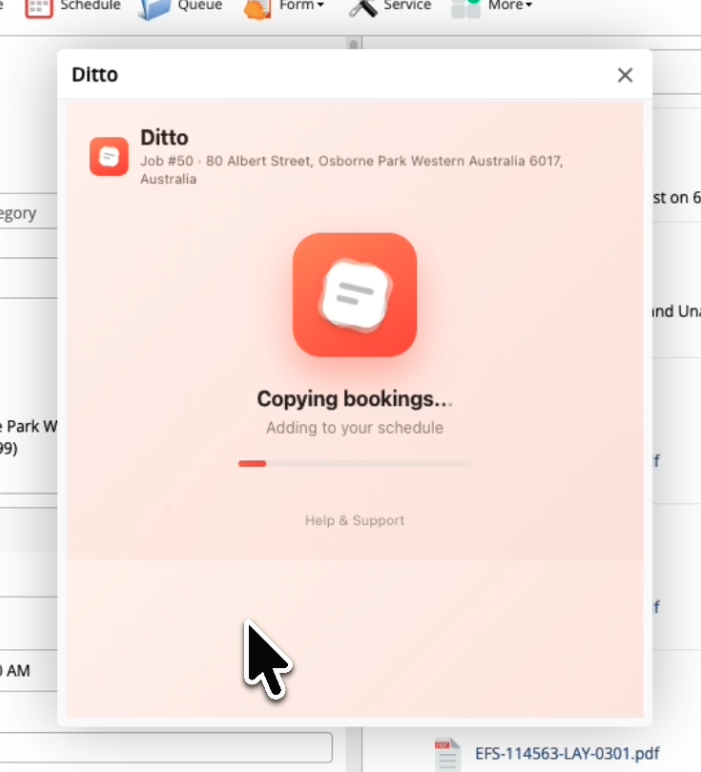
One Pass, Straight to the Diary
Click Create and Ditto adds every ticked copy to the ServiceM8 schedule in one pass, then confirms how many were created (e.g. “5 bookings created”). Open the schedule / diary and there they all are — same staff, same times, on the days you picked.
- Bookings are added straight to the ServiceM8 diary — no separate import step
- Confirmation shows the exact number created (with staff-visit count for multi-staff bookings)
- Up to 200 bookings per run — narrow the date range if you need more
- Perfect for recurring site visits, multi-day works and week-long jobs
Install Ditto
Ditto is free to install and use — and is committed to staying that way. If you spot any issues, please let us know.
Install Ditto